Invoice Payment Settings
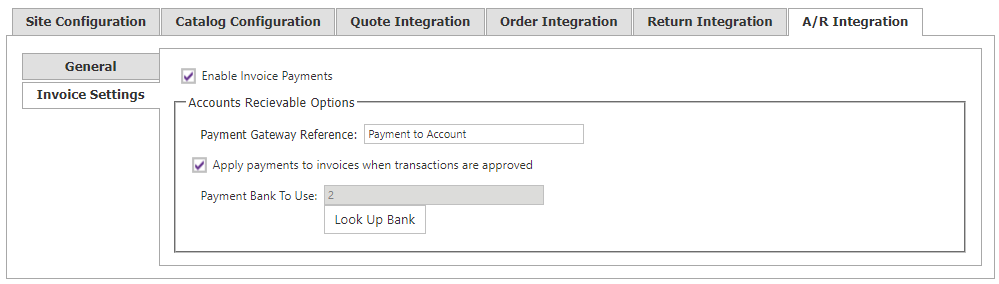
Use the Invoice Settings tab in Site Manager > A/R Integration to configure CyberStore invoice-payment behavior.
Invoice payment features require the A/R Portal (ARP) license in the CyberStore license file.
| Setting | Description |
|---|---|
| Enable Invoice Payments | Makes invoice payments available through invoice lookup. |
| Payment Gateway Reference | Text used as the payment-gateway reference for an invoice payment. The default is Payment to Account. |
| Apply Payments to Invoices | Posts payments against their related invoices. When disabled, payments must be applied manually. |
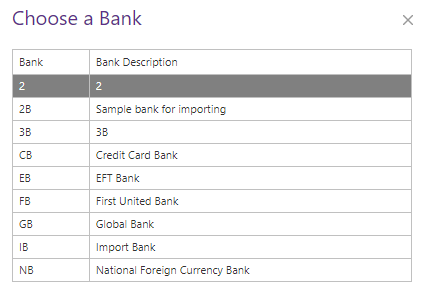
| Payment Bank to Use | Selects the bank used for invoice payments. |
Payment-reference replacement tags
Use these replacement tags in Payment Gateway Reference:
| Tag | Value |
|---|---|
[CustomerNumber] | Customer number in context. |
[TimeStamp] | Transaction date and time, formatted as yyyyMMdd-HHmmssff, for example 20240101-17321425. |