Content Editor
Open Content > Content Editor to manage files in the site’s folder and its subfolders.
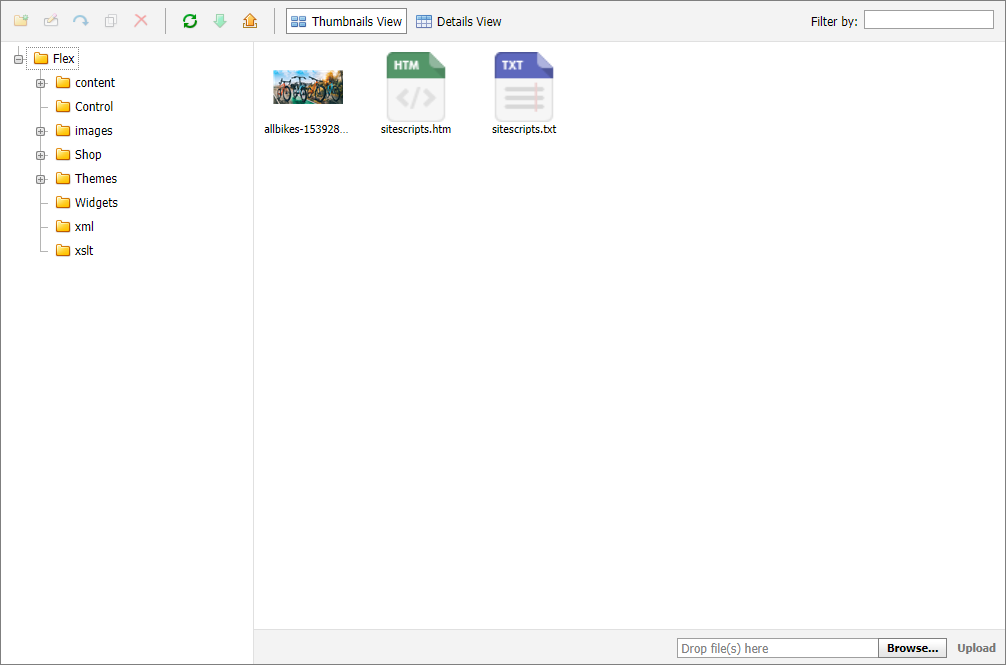
Use the file manager to upload, download, delete, copy, and move files. You can view image files and directly edit .html and .htm files: double-click the file to load it in the WYSIWYG HTML editor.
Views and actions
Use the two view buttons to switch between thumbnail and detail views. The selected view persists for the current Management Console session.
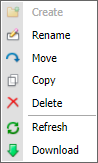
The toolbar provides the file and folder actions. Right-clicking a file or folder opens the same action set. Upload and download operate within the template’s Site folder and its subfolders.
Content Editor changes operate directly on site files. Confirm the file, folder, and destination before deleting, moving, or overwriting content.