Catalog Account Settings
Use the Account Settings tab in Site Manager > Catalog Configuration to control front-end shopper account security and registration behavior.
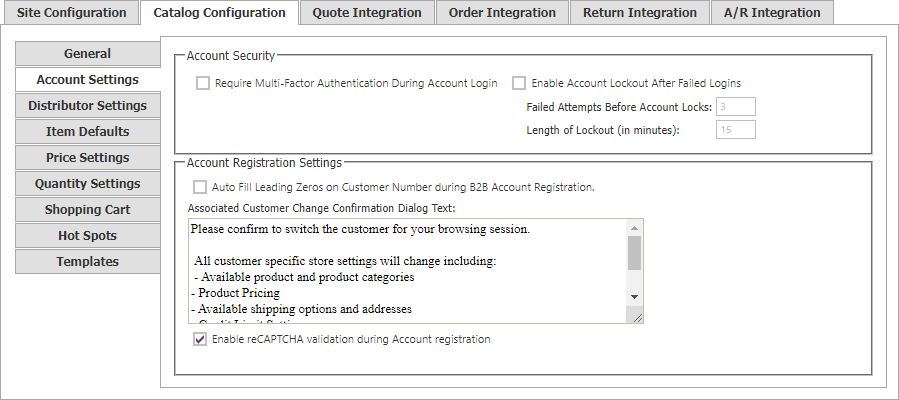
Account security
| Setting | Description |
|---|---|
| Require Multi-Factor Authentication | Requires shoppers to enter a verification code sent by email or SMS before they can access the site. |
| Enable Account Lockout | Locks an account after successive failed sign-in attempts. |
| Failed Attempts Before Account Locks | Number of failed logins before lockout. The legacy default is 3. |
| Length of Lockout (in minutes) | Time an account remains locked before a successful login can occur. The legacy default is 15 minutes. |
Registration support
| Setting | Description |
|---|---|
| Auto Fill Leading Zeros on Customer Number during B2B Account Registration | Lets CyberStore add leading zeroes to a shopper’s customer-number entry during registration. |
| Associated Customer Change Confirmation Dialog Text | Text shown when a signed-in shopper changes their associated customer using CustomerMasterAccountControl. |
Customer-number character and format settings are maintained in Site Manager > A/R Integration, under General.