DocumentViewer_Popup Widget
The DocumentViewer_Popup widget lets a signed-in shopper view and print supported sales orders, invoices, dispatch notes, and returns. It can also show a reorder action for sales orders and invoices.
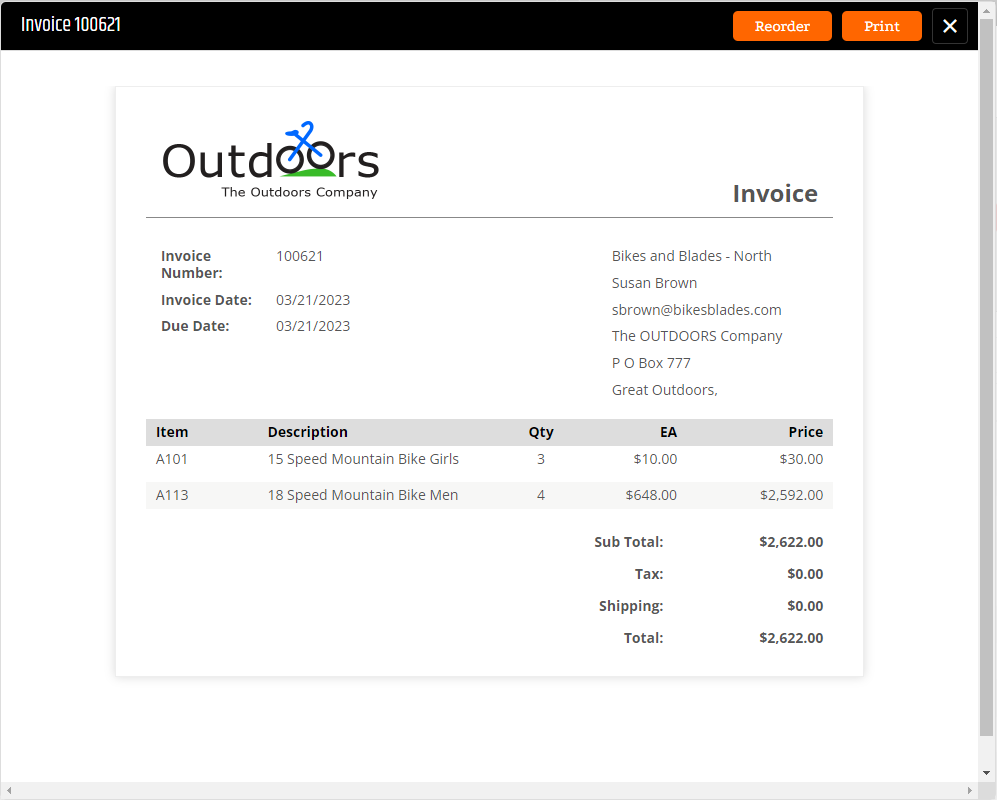
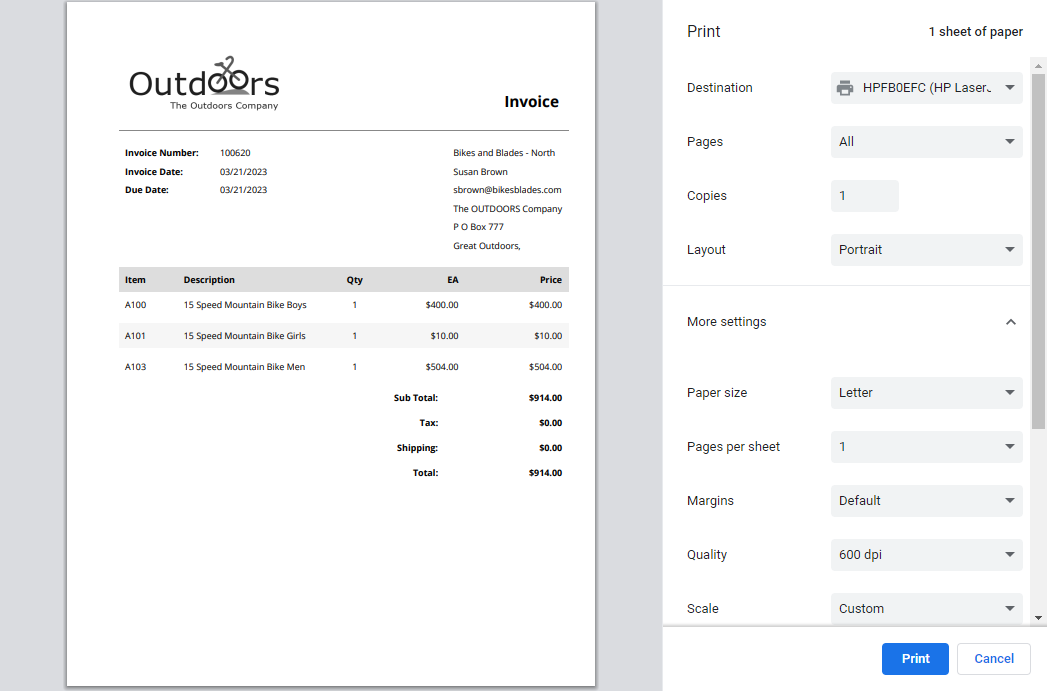
Add the widget to a page
<Control src="LoadWidgetControl.ascx"
    FileLocation="DocumentViewer_Popup.html"
    RequireLogin="true"
    Options="showReOrderButton: true,
        reOrderButtonText: 'Reorder'" />
Widget options
| Option | Default | Valid values or format | Effect |
|---|---|---|---|
showReOrderButtonBoolean | true | true, false | Shows or hides the reorder action for supported sales orders and invoices. |
reOrderButtonTextString | 'Reorder' | Text | Sets the reorder-action label. |
Document output uses the applicable CyberStore document formatting. Confirm that a shopper can view only documents associated with their Customer account.
Validate the viewer
- Sign in with a shopper that has a supported account document.
- Open and print the document.
- Confirm document content is limited to the shopper’s Customer account.
- When enabled, select Reorder for a supported order or invoice and confirm the resulting cart follows current cart rules.