View Areas
Use the View Areas tab to set the image regions that shoppers can personalize.
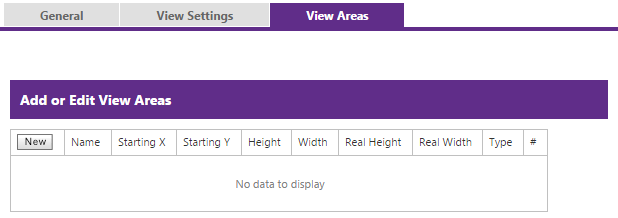
| Field | Description |
|---|---|
| Name | Name of the editable area. |
| Starting X / Starting Y | Horizontal and vertical starting coordinates on the diagram. |
| Height / Width | Dimensions of the editable area on the diagram. |
| Real Height / Real Width | Actual dimensions of the editable area rather than diagram dimensions. |
| Type | Type of personalization allowed for the area. |
Add or edit an area, then drag its measurements on the diagram to size the editable region. Save when the region matches the intended personalization area; delete removes an existing area.