ShoppingCartDisplaySavedCartControl
ShoppingCartDisplaySavedCartControl displays a saved shopping cart.
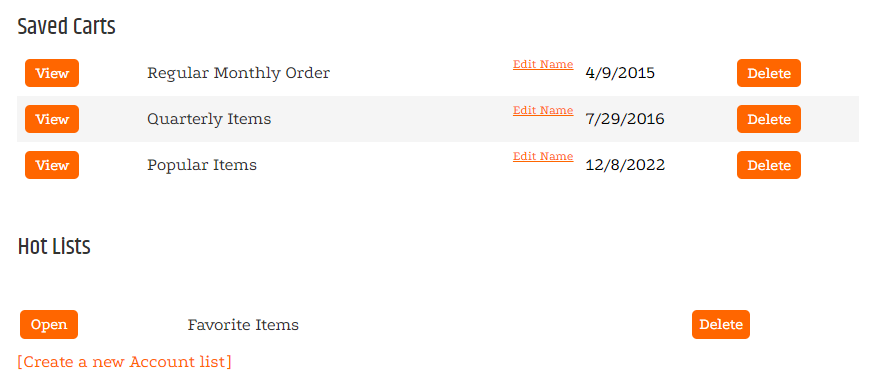
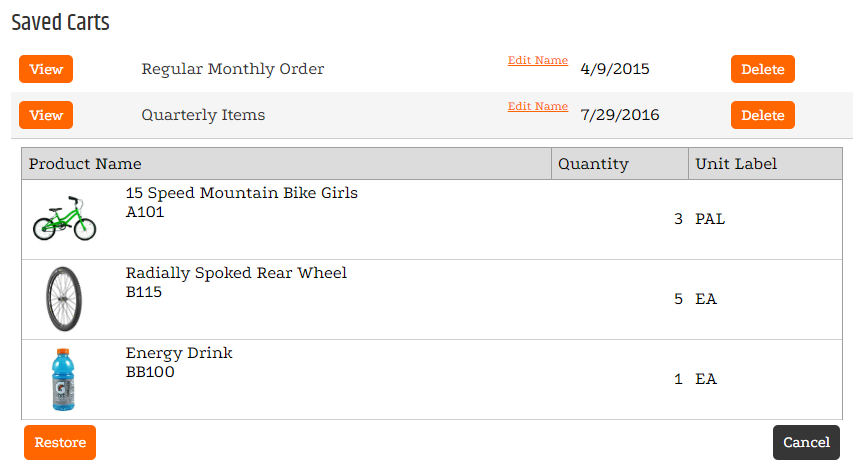
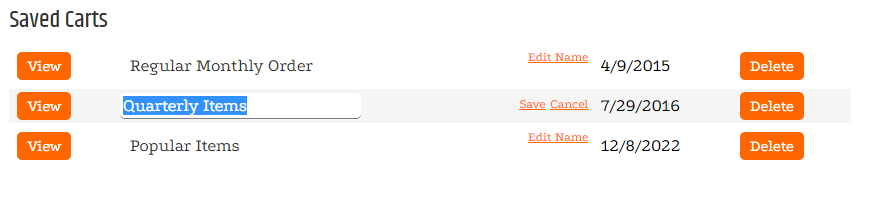
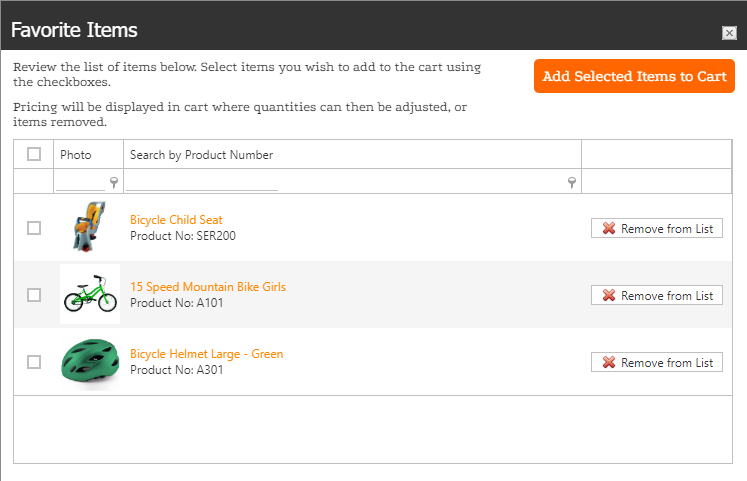
Saved carts can be viewed, restored, deleted, or renamed. Item lists can be opened, and selected items can be added to the cart.
Configurable properties
| Property | Default | Valid values or format | Effect |
|---|---|---|---|
HeadlineNot specified | Not specified | Sets the control headline. | |
ListsHeadlineNot specified | Not specified | Sets the item-lists headline. | |
ShowItemListsNot specified | Not specified | Controls whether item lists appear. | |
ShowSavedCartsNot specified | Not specified | Controls whether saved carts appear. | |
EmptyItemListTextNot specified | Not specified | Sets the text shown when no item lists are available. |
SitePages.config example
The following example loads ShoppingCartDisplaySavedCartControl.ascx and applies the documented literal defaults. The following properties are omitted because they do not have documented literal defaults: Headline, ListsHeadline, ShowItemLists, ShowSavedCarts, EmptyItemListText.
<Control src="ShoppingCartDisplaySavedCartControl.ascx" />
Add this <Control> element to the appropriate page placeholder as described in The SitePages.config File.
Inherited properties
The control inherits shared visibility and shopper-access conditions from CyberStoreBaseControl.
Validate the control
- Save a cart through the configured shopper flow.
- Display the saved cart and confirm its items are shown.