Managing Item Lists from Item Pages
Signed-in shoppers can maintain the lists they are authorized to change while browsing item-detail pages. This supports the natural workflow of discovering a useful product and saving it without leaving the product page.
The item page indicates whether the product belongs to an available list and provides the action used to change its membership.
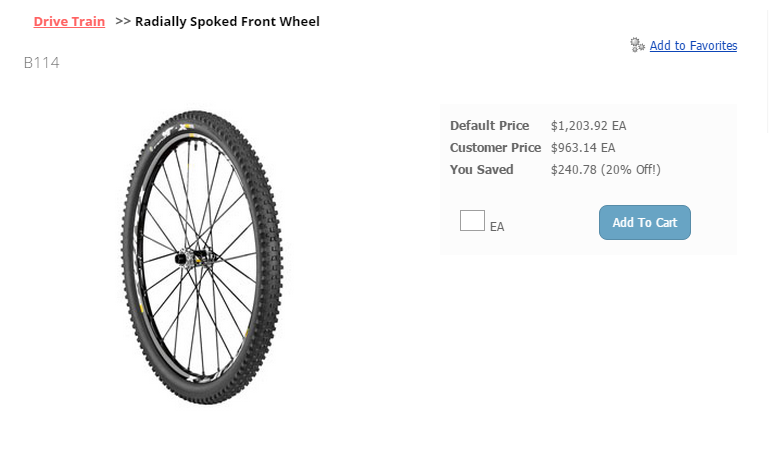
Add or remove the item
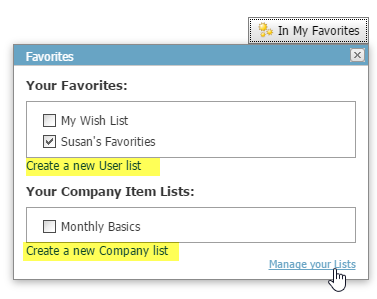
Open the list action to see the Item Lists the current shopper can modify. Select a list to include the item; clear its selection to remove the item.
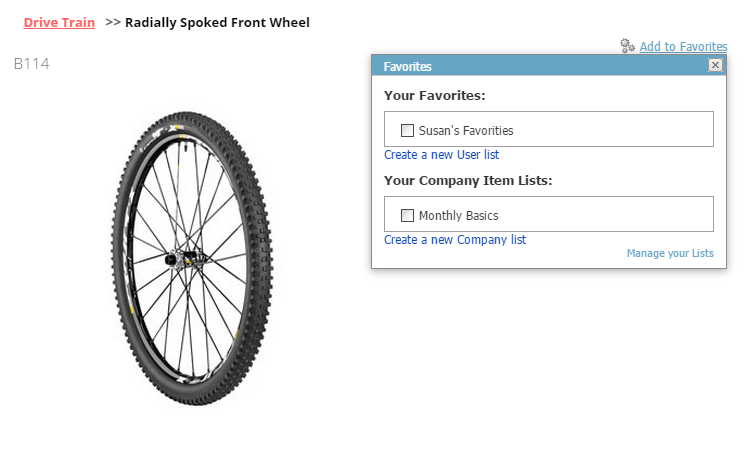
Every signed-in shopper can maintain lists belonging to their own Account. Customer Item Lists have broader visibility, so only a shopper designated as a Customer Administrator can add or remove their items.
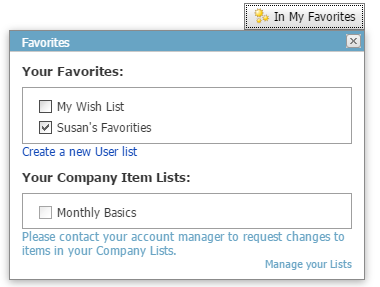
A Customer Administrator can manage Customer lists shared by the organization but cannot change Account lists belonging to other Accounts.
Create a new list while shopping
A signed-in shopper can start a new list from an item-detail page or the Saved Cart screen.
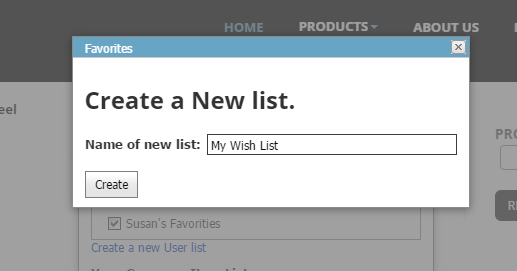
Enter the new list name in the dialog and complete the action.
After creation, the current page reloads and any open pop-ups close. The new list then becomes available for the shopper’s list actions.
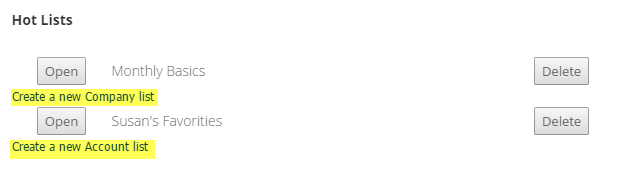
A shopper can create an Account Item List for their own Account. Creating a Customer Item List requires the shopper to be a designated Customer Administrator.