General
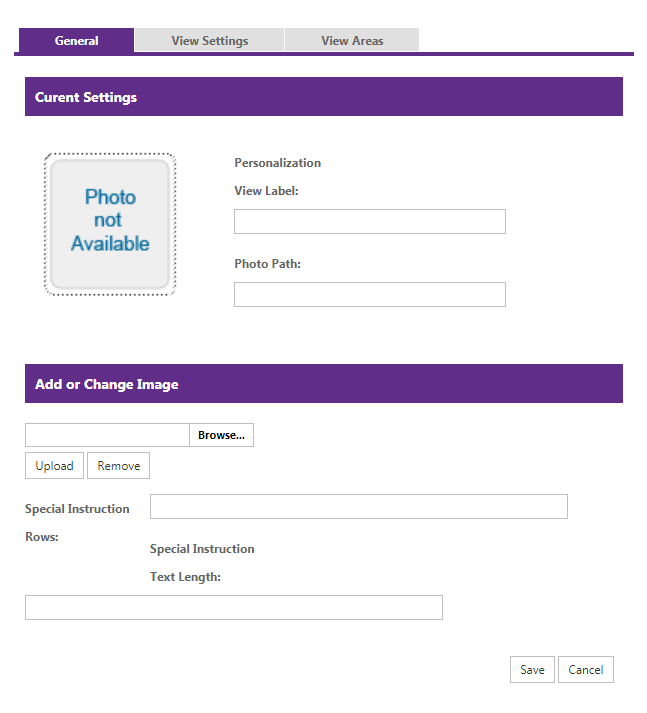
Use the General tab to identify the personalization view, manage its image, and limit the instructions shoppers can enter.
| Field or action | Description |
|---|---|
| View Label | Identifies what view of the item image is shown and where personalization applies. |
| Photo Path | The location of the image for this view. |
| Add or Change Image | Browse for an image and upload it. The tab shows a preview and its file name, type, size, and dimensions. Remove an existing image before replacing it. |
| Special Instruction Rows | Limits the number of instruction rows a shopper can enter. |
| Special Instruction Text Length | Limits the length of shopper instructions for this view. |