Order Alerts
Use the Order Alerts tab in Site Manager > Order Integration to maintain email notifications sent for order events.
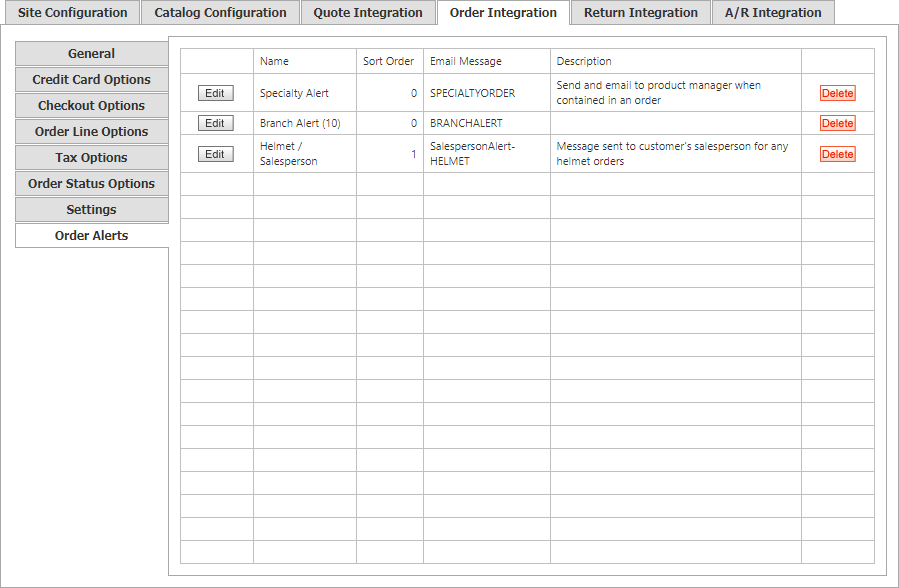
The Order Alerts grid shows each notification’s:
| Column | Description |
|---|---|
| Name | Notification type. |
| Sort Order | Numeric display order. |
| Email Message | Email message sent by the alert. |
| Description | Intended recipient and the circumstances that trigger the notification. |
Select Edit, or double-click a row, to update an alert. In Alert Criteria, select a category and a more specific category name. Delete removes the alert and its configuration.