CyberStore License Manager
Use Tools > CyberStore License Manager to view the active CyberStore license and install a replacement license file.
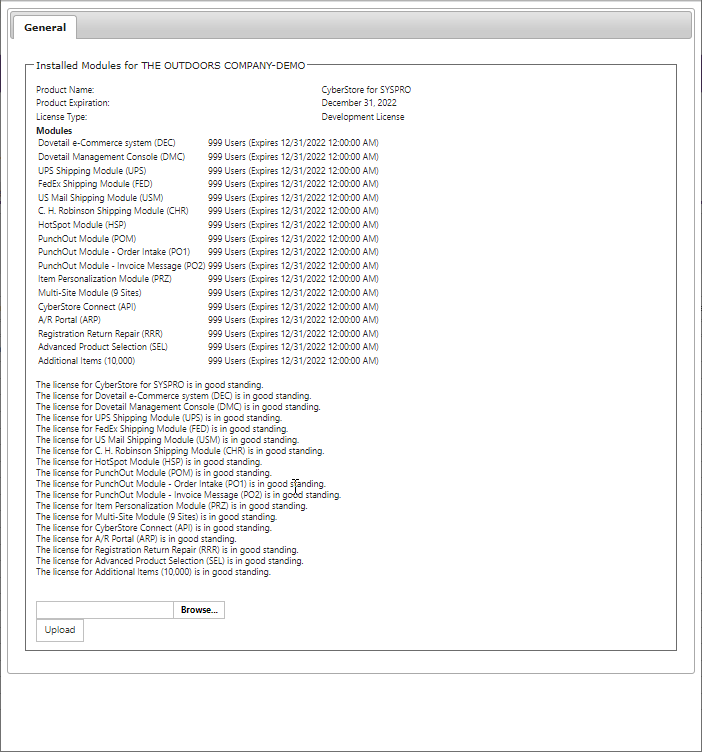
| Information | Description |
|---|---|
| Product Name / Expiration | Licensed product and the date the license becomes invalid. |
| License Type | License classification and permitted use. |
| Modules | Licensed modules, their user counts, and their validity dates. |
To install a new license, select Browse, choose the license configuration file, then select Upload. It takes effect when the application next starts or within four hours.