Item Options
Use the Options tab to control an item’s catalog presentation, inventory behavior, and shipping defaults.
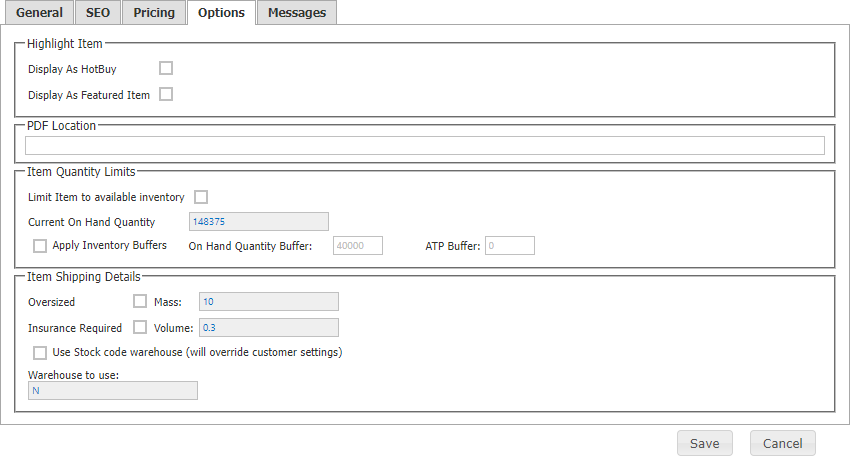
| Area | Description |
|---|---|
| Highlight Item | Makes the item available for Hot Buys and/or Featured Items presentation. |
| PDF Location | URL of an informational PDF shoppers can download. |
| Item Quantity Levels | Controls whether the site can sell above available SYSPRO inventory and supports an item inventory buffer. |
| Item Shipping Defaults | Marks the item oversized and/or insured, which prevents checkout shipping calculation. It also exposes SYSPRO mass and volume and can use the SYSPRO warehouse-to-use. |