DistributorSearchControl
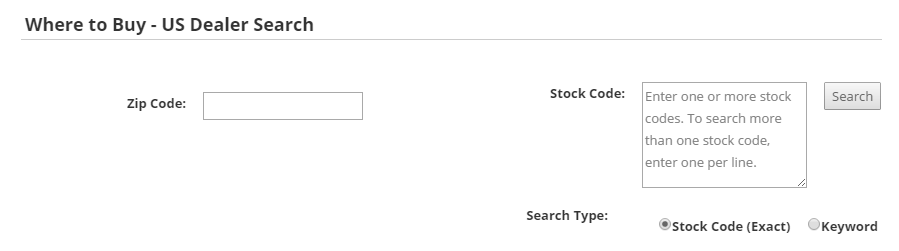
DistributorSearchControl displays an interface for shoppers to search for distributors and their listings. The interface includes stock-code and ZIP-code inputs for filtering.
Configurable properties
| Property | Default | Valid values or format | Effect |
|---|---|---|---|
EnableStockCodeSearchBoolean | Not specified | true, false | When true (the legacy default), shows the stock-code search box; when false, provides ZIP-code search only. |
PageSizeInteger | Not specified | Sets the number of search results displayed on each page. |
SitePages.config example
The following example loads DistributorSearchControl.ascx and applies the documented literal defaults. The following properties are omitted because they do not have documented literal defaults: EnableStockCodeSearch, PageSize.
<Control src="DistributorSearchControl.ascx" />
Add this <Control> element to the appropriate page placeholder as described in The SitePages.config File.
Search results
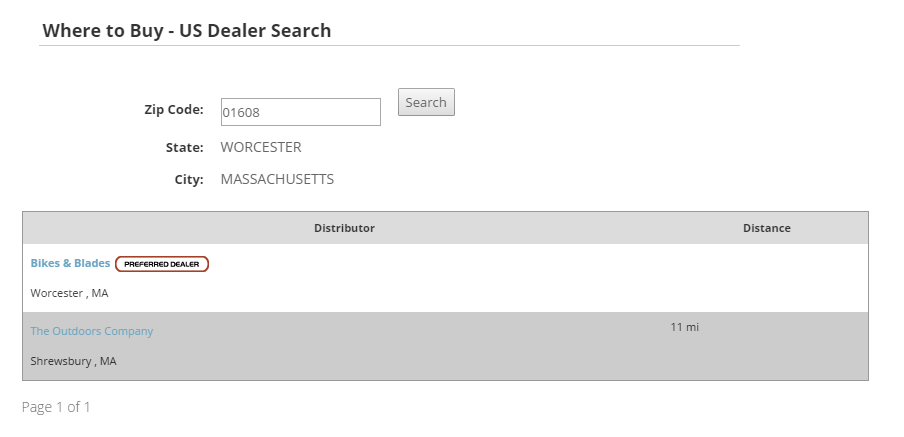
Search results list distributors within the configured search radius and are sorted by distance from the entered ZIP code.
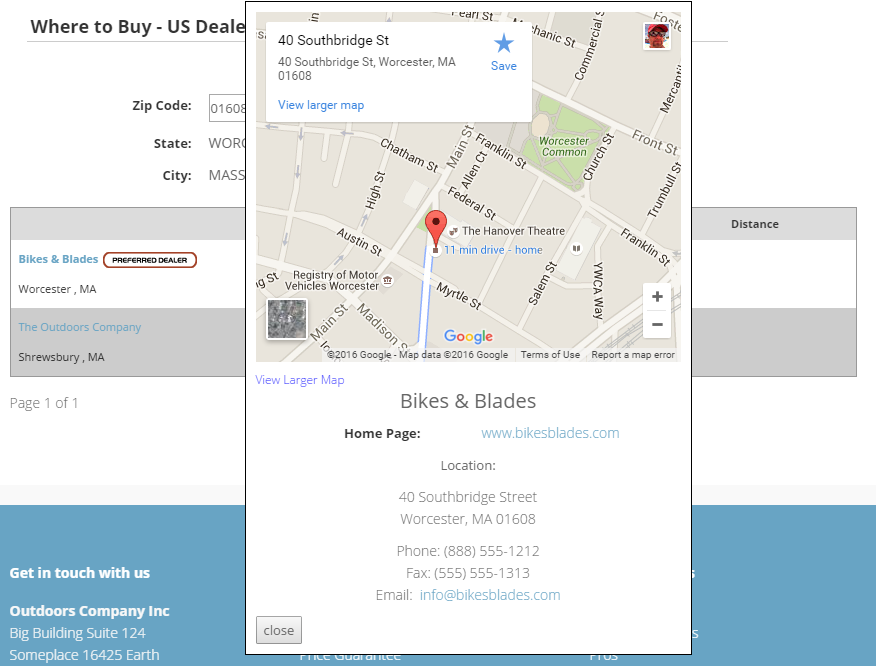
Selecting a distributor opens its location detail in a pop-up.
Inherited properties
The control inherits shared visibility and shopper-access conditions from CyberStoreBaseControl.
Validate the control
- Display the search interface in the intended shopper journey.
- Search using a stock code and confirm relevant distributor listings appear.
- Search using a ZIP code and confirm location filtering behaves as expected.