Item Import
Use the Item Import tab to find stock codes present in SYSPRO but not in the CyberStore item master, then add selected items.
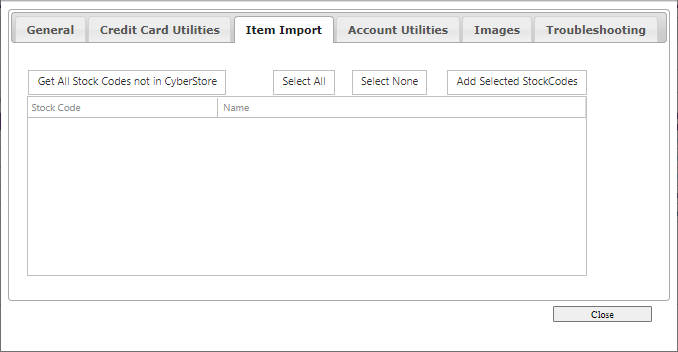
| Action | Result |
|---|---|
| Get All Stock Codes not in CyberStore | Queries SYSPRO and lists stock codes not in CyberStore. |
| Select All / Select None | Selects or clears every listed stock code. |
| Add Selected StockCodes | Adds selected stock codes to CyberStore. |