Database Information
Use the Database tab in Site Manager > Site Configuration to view the Microsoft SQL Server connection information used by CyberStore.
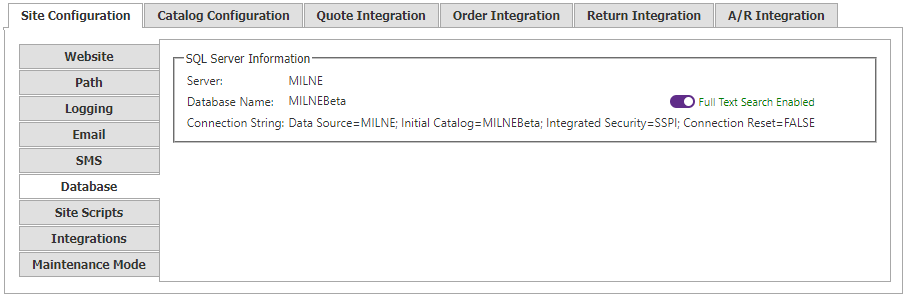
The database connection is displayed here but cannot be changed in Site Configuration Manager.
| Setting | Description |
|---|---|
| Server | Name of the website’s SQL Server. It must be a valid machine name on the network, or (local) when the website and SQL Server are on the same computer. Using the same computer is not recommended for production. |
| Database Name | Name of the database. |
| Full Text Search Indicator | An icon and message beside the database name showing whether the SQL Server instance supports Full Text Catalog searching. When available, CyberStore Full Text and Fuzzy Search options can be used. |
| Connection String | Data-source connection string used by the application to access the database. |