Price Cache Viewer
Use Tools > Price Cache Viewer to review, export, and clear cached pricing.
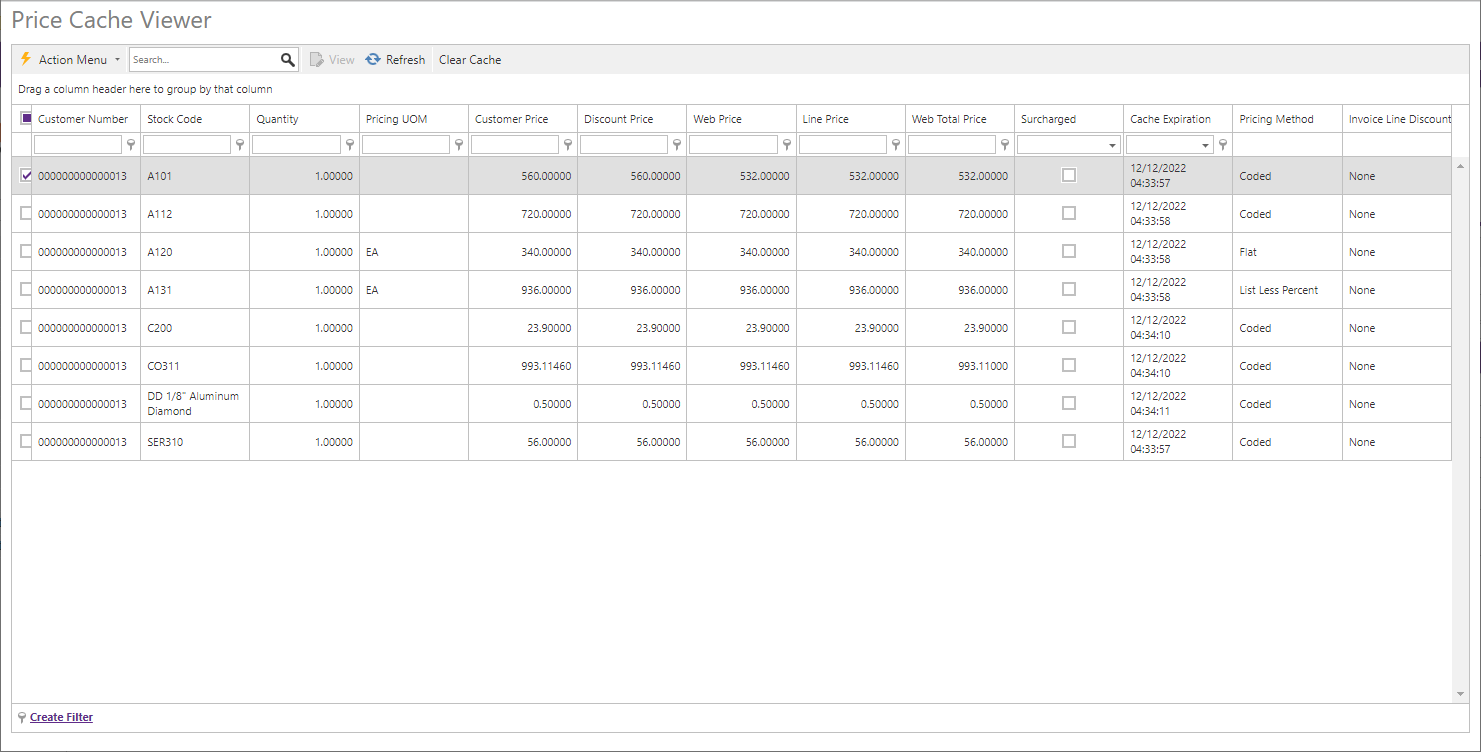
Sort columns, drag a column to group the data, refresh the view, or export it to PDF or Excel. The context menu can clear one entry, every cached entry for the selected stock code, every entry for the selected customer, or the entire cache. Every clear action requires confirmation. When price caching is enabled in Application Settings > Global Cache Settings, the next lookup for a cleared Customer, Item, Quantity, and UOM combination recreates that cache entry.