CatalogCategoryMenuControl
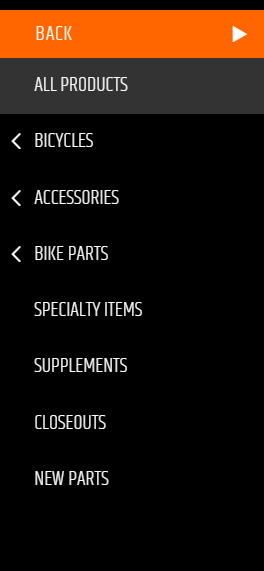
CatalogCategoryMenuControl gives shoppers access to catalog categories through a menu. It was introduced in v2.5.
Configurable properties
| Property | Default | Valid values or format | Effect |
|---|---|---|---|
MaxCategoryDepthInteger | 3 | Sets the maximum category-menu depth. | |
MenuTopLevelCategoryIDInteger | -1 | Sets the category identifier where the menu begins. | |
MenuTopLevelCategoryPathString | "/" | Sets the category path where the menu begins. | |
ShowCategoryPhotosBoolean | true | true, false | Controls display of category photos. |
UseSessionMenuCacheBoolean | true | true, false | Controls use of the session menu cache. |
SitePages.config example
The following example loads CatalogCategoryMenuControl.ascx and applies the documented literal defaults.
<Control src="CatalogCategoryMenuControl.ascx"
         MaxCategoryDepth="3"
         MenuTopLevelCategoryID="-1"
         MenuTopLevelCategoryPath="/"
         ShowCategoryPhotos="true"
         UseSessionMenuCache="true" />
Add this <Control> element to the appropriate page placeholder as described in The SitePages.config File.
Inherited properties
CatalogCategoryMenuControl inherits shared conditions from CyberStoreBaseControl.