BillingHistory_Grid Widget
The BillingHistory_Grid widget lets a signed-in shopper view account standing and open invoices. It supports viewing and printing individual invoices and can present payment actions when the related payment widgets are configured.
Add the widget to a page
<Control src="LoadWidgetControl.ascx"
    FileLocation="BillingHistory_Grid.html"
    RequireLogin="true" />
The legacy widget is available at /ecommerce/CustomerBilling.aspx by default. Restrict access to signed-in shoppers and verify that each shopper can view only the invoices for their Customer account.
Account and invoice behavior
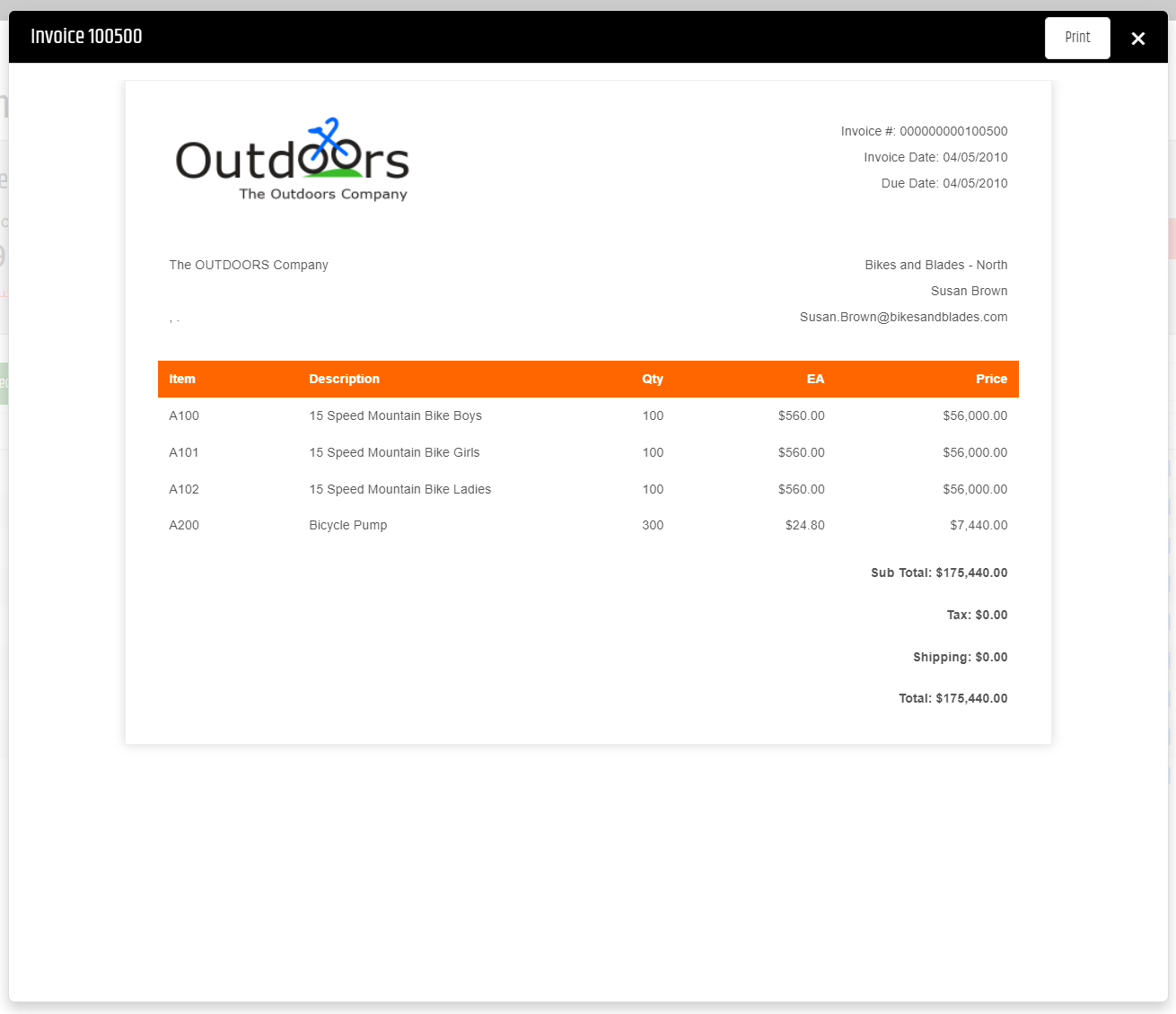
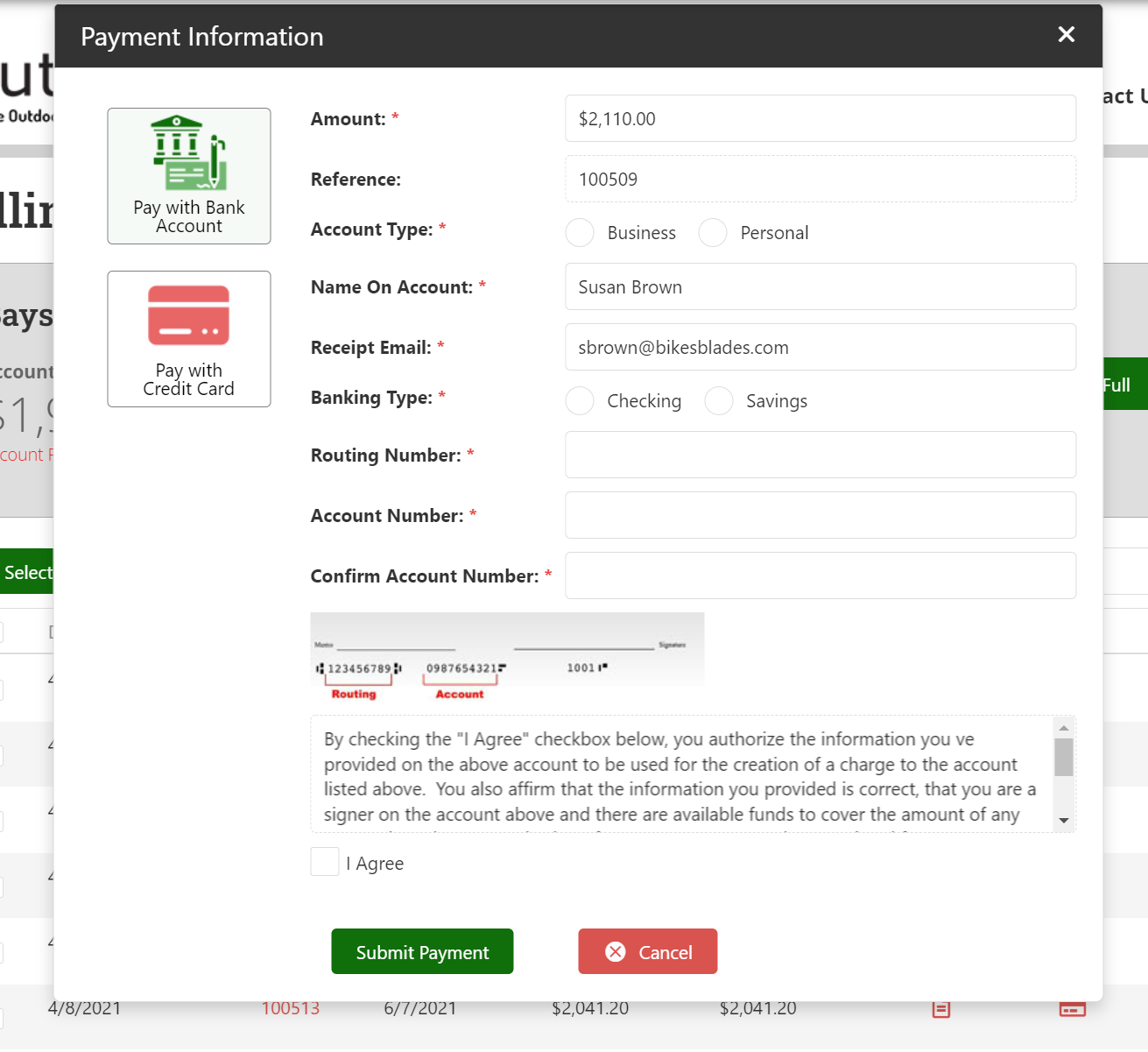
The account standing section can show the current balance, account status, available credit, and aging information. The invoice grid lists open invoices. A shopper can view or print an invoice, select invoices for payment, and see the resulting balance changes after payment processing.
For current account-document workflows, see Account Documents. Configure invoice-payment behavior through Invoice Payment Settings.
Validate the widget
- Sign in with a shopper that has open invoices.
- Confirm account standing and invoice rows are limited to that shopper’s Customer account.
- View and print an invoice.
- Confirm payment actions appear only when the applicable payment configuration is available.