OrderHistory_Grid Widget
The OrderHistory_Grid widget lets a signed-in shopper search and review sales-order history. Shoppers can search by date range, purchase-order number, or sales-order number, then view or print an individual order.
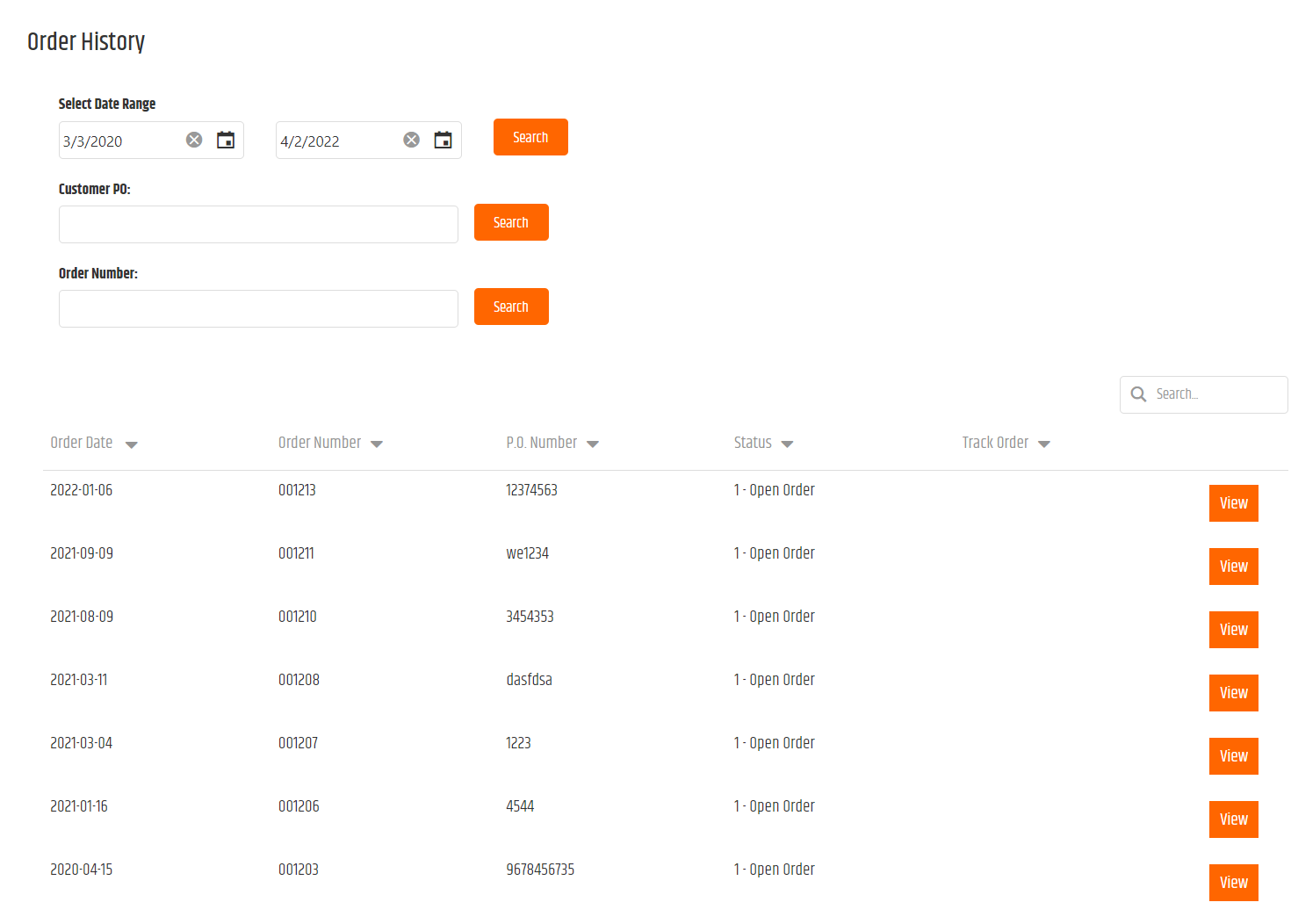
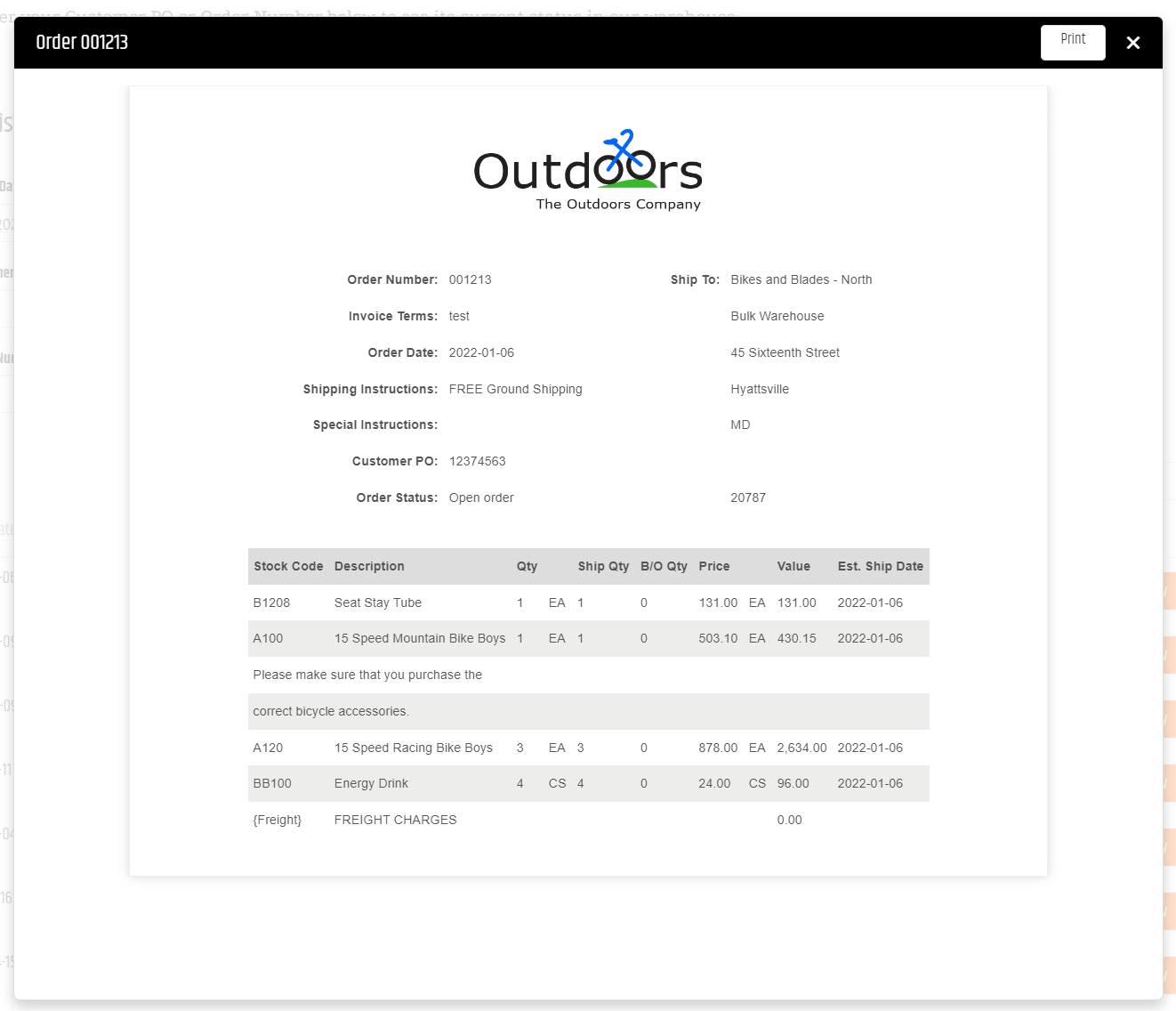
Add the widget to a page
<Control src="LoadWidgetControl.ascx"
    FileLocation="OrderHistory_Grid.html"
    RequireLogin="true" />
The legacy widget is available at /ecommerce/CustomerOrderLookup.aspx by default. It has no documented widget-specific options.
Validate order history
- Sign in with a shopper that has sales-order history.
- Search by date range, purchase-order number, and sales-order number.
- Open and print an order.
- Confirm the results and opened document are limited to the shopper’s Customer account.
For related document-view behavior, see DocumentViewer_Popup.