Help and Support
Use Help in the Management Console to open CyberStore support resources when you need assistance beyond the task guidance in this documentation.
Open Help from the Management Console menu.
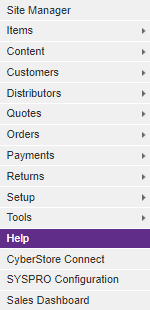
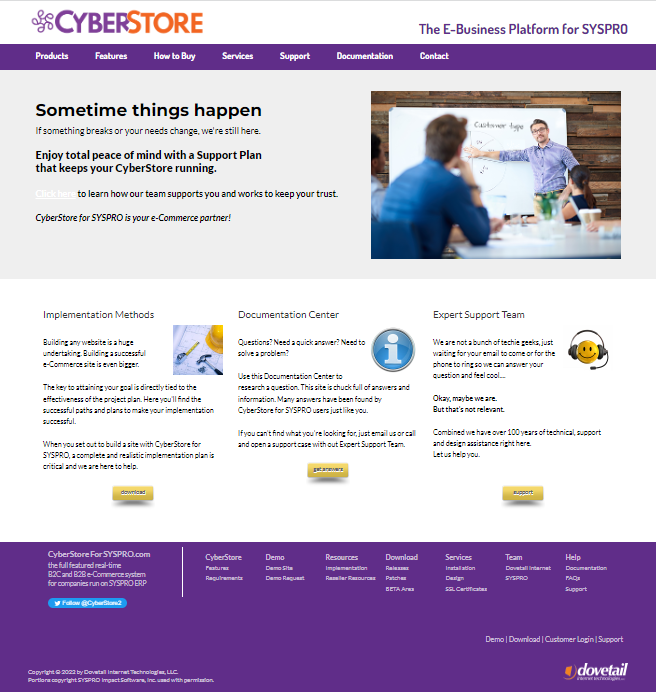
The Help page directs you to the CyberStore support site in a browser.
Before requesting support, gather the information needed to identify the problem and the affected environment:
- The site and Management Console area involved.
- The action being performed and the result you expected.
- The exact message displayed, including its date and time.
- Whether the issue can be reproduced and which users or records are affected.
- Relevant Event Log, External Call Log, or Operation Center information when available.
Do not include passwords, payment-card data, client codes, or other secrets in screenshots or messages. Follow the support process established for your organization and provide diagnostic files only through an approved secure channel.