General
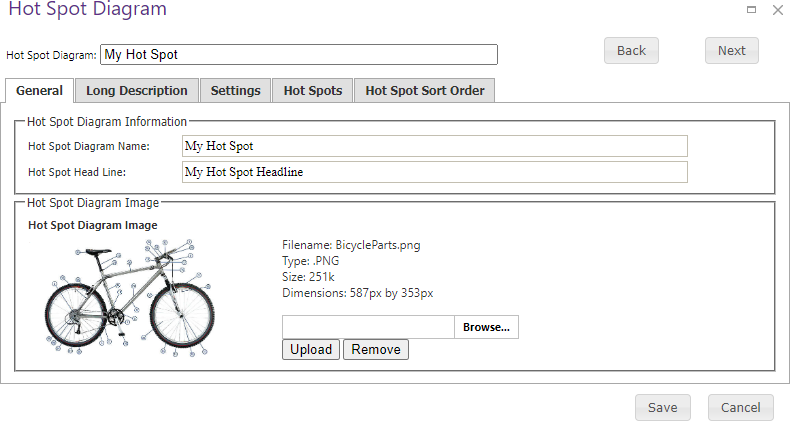
Use the General tab to name the diagram, provide its headline, and upload the image on which hot spots are placed.
| Field or action | Description |
|---|---|
| Hot Spot Diagram Name | Name of the diagram. |
| Hot Spot Head Line | Headline displayed with the diagram. |
| Diagram Image | Browse for an image and upload it. The tab displays a preview plus the image file name, type, size, and dimensions. Remove the existing image before uploading a replacement. |
Save when the diagram information is complete.