Site Manager
Site Manager is the main Management Console entry point for site settings. Use it to configure settings that persist for a CyberStore site.
To open Site Manager, select Site Manager in the Management Console menu.
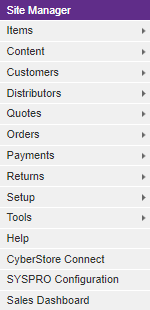
When the Multi-Site Module is licensed, each site has its own Site Manager settings.
Configuration areas
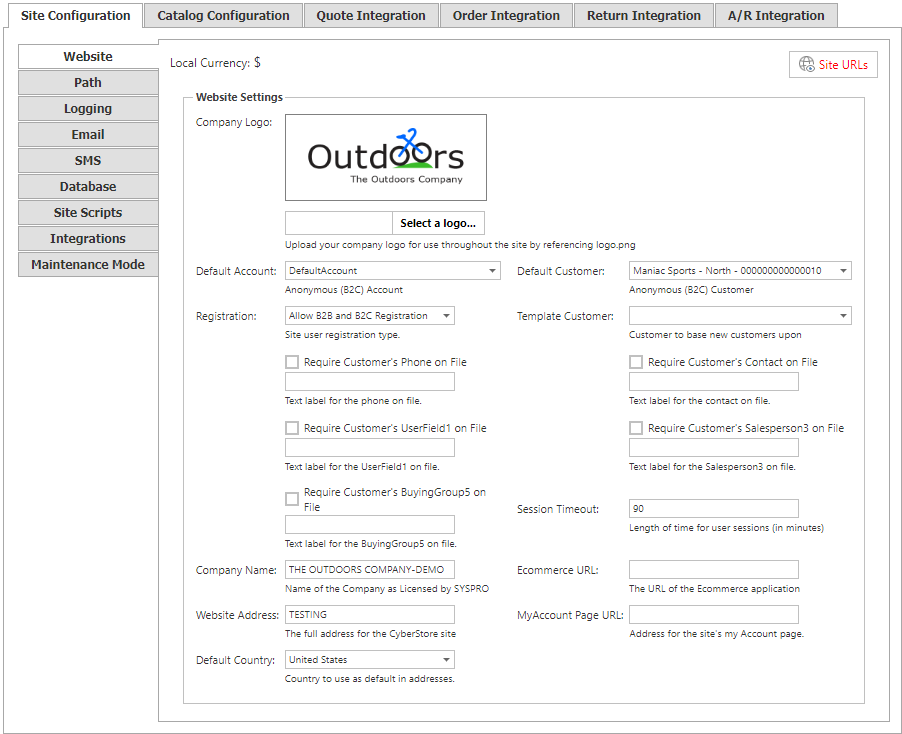
Site Manager provides access to the following configuration areas:
- Site Configuration.
- Catalog Configuration.
- Quote Integration.
- Order Integration.
- Return Integration.
- A/R Integration.
Next steps
Use the configuration area that matches the setting you need to maintain. Each Site Manager configuration area has focused guidance in the Administrator Guides.