Hot Spot Settings
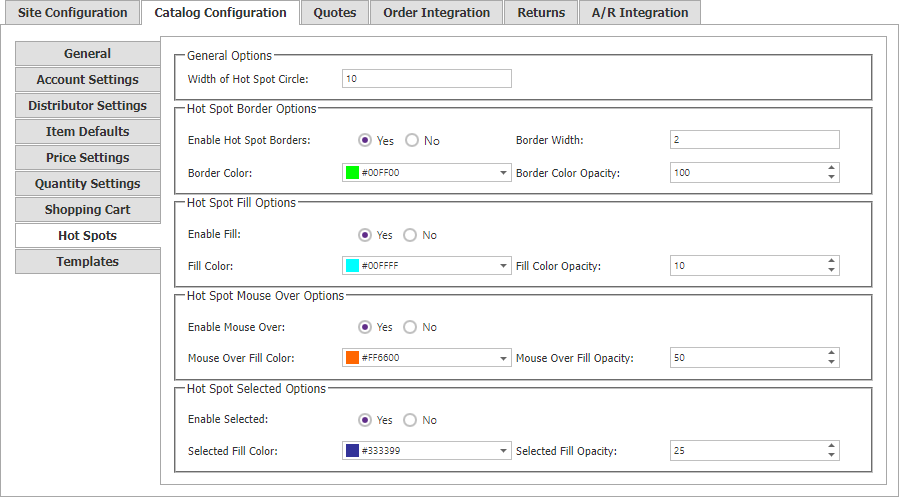
Use the Hot Spots tab in Site Manager > Catalog Configuration to set the default appearance of catalog hot spots.
| Area | Settings |
|---|---|
| General options | Width of Hot Spot Circle sets the hot-spot diameter in pixels. |
| Border | Override default, enable or disable borders, and set border width, hexadecimal color, and opacity. 100 is fully opaque; 0 is transparent. |
| Fill | Override default, enable or disable fill, and set hexadecimal fill color and opacity. |
| Mouse over | Override default, enable or disable mouse-over fill, and set its color and opacity. |
| Selected | Override default, enable or disable selected fill, and set its color and opacity. |