Order Line Options
Use the Order Line Options tab in Site Manager > Order Integration to choose the allocation action applied when sales-order lines are submitted to SYSPRO.
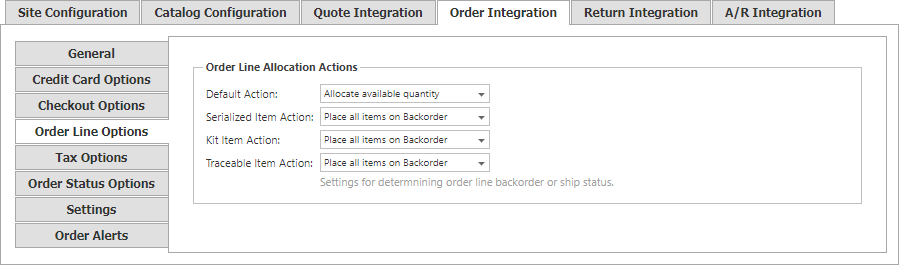
The Default Action applies to items that are not serialized, kits, or traceable items. The same choices are available for Serialized Item Action:
| Allocation action | Behavior |
|---|---|
| Place all items on Backorder | Places each line quantity in backorder. |
| Allocate available quantity | Places the available portion of each line into ship state. |
| Allocate if full order quantity is available | Places a line into ship state only when its full quantity is available. |
Kit Item Action and Traceable Item Action are reserved for future functionality.