Shipping Providers
Shipping Provider integrations let CyberStore request real-time freight calculations during checkout. Provider integrations are separately licensed add-on modules and are intended for the shipping services supported by the installed connector.
Create a provider
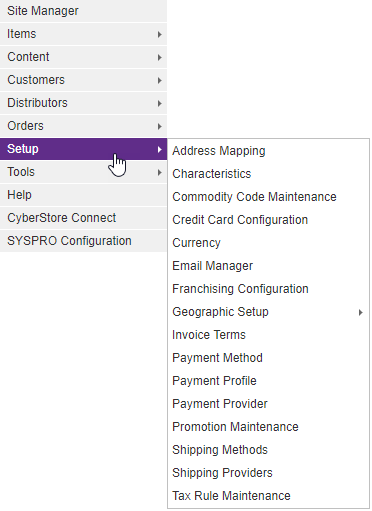
Open Setup > Shipping Providers in the Management Console.
The Shipping Provider Maintenance list displays the configured providers. Select Add to create a provider or Edit to maintain an existing one.
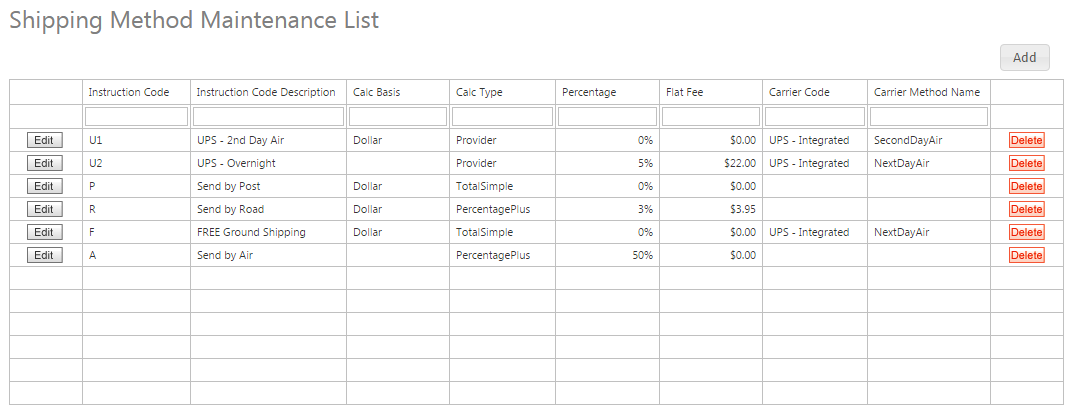
Each provider has two configuration areas:
| Area | Purpose |
|---|---|
| General | Provider type, weight calculation, and ship-from address. |
| API Specifics | Provider credentials, connection mode, password, and test and production endpoints. |
See Shipping Provider General Settings and Shipping Provider API Settings for the shared field definitions.
Choose a provider guide
Production checklist
- Confirm the selected Provider Type matches the licensed connector.
- Verify the shipping weight unit, conversion factor, default weight, and ship-from source.
- Obtain account credentials and approved endpoints from the provider.
- Validate rates with representative destinations, services, weights, and package values.
- Compare returned charges with the provider’s own test tools or account portal.
- Switch to Live mode only after test results are accepted.
Never use a provider’s test endpoint or test credentials for production checkout. A successful connection does not by itself prove that service selection, weight conversion, addresses, and returned charges are correct.