Logging Into the Management Console
The CyberStore Management Console is a secure web application. Open it in a web browser by entering the Console URL, for example https://www.yourDomain.com/console.
Before you sign in
Use HTTPS to access the Management Console.
Some Console functions use AJAX to communicate with CyberStore data. When the Console does not run over HTTPS, data and functionality can be missing.
Sign in
- Open the Console URL in a web browser.
- Enter your Management Console username and password.
- On the first login after installation, use the Administrative Operator username and password entered during installation.
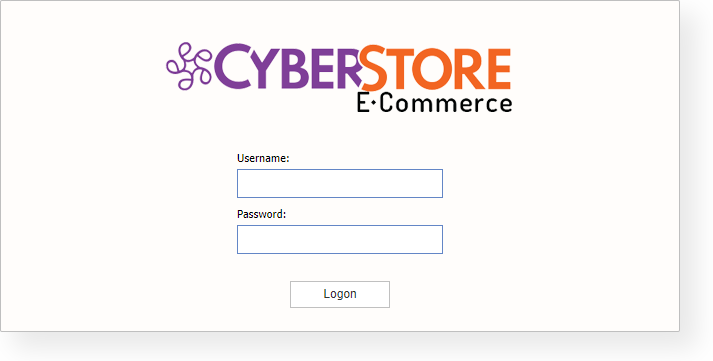
After you sign in successfully, CyberStore associates your account with the permissions used to maintain the site.
Next step
After signing in, see Management Console for an overview of the available menus and tasks.