Return Problem Codes
Use the Problem Codes tab in Site Manager > Return Integration to control the problem codes presented for returns.
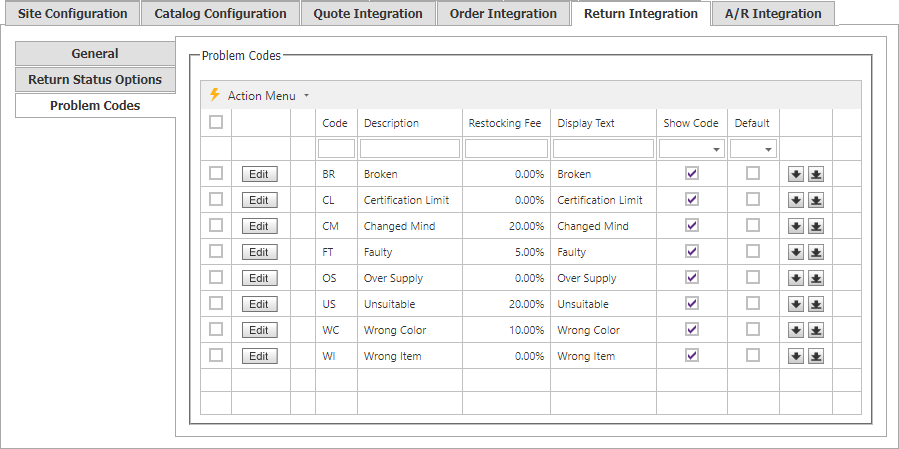
Set the default problem code, the display text for each code, whether it is shown, and its display order. Use the arrows in the final column to set the order in which problem codes appear.
Edit a problem code
Select Edit, or double-click a row, to open Problem Code Maintenance.
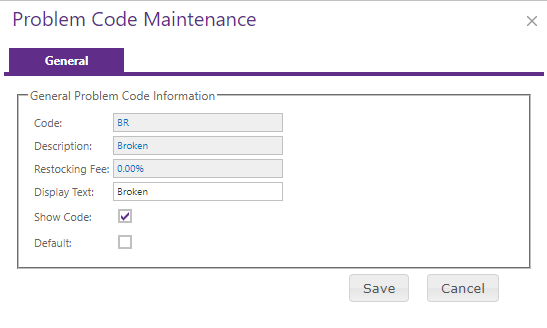
Set the display text, choose whether the code is shown, and make it the default when appropriate. Save the changes when finished.
Bulk actions and export
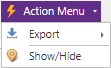
The Action menu provides these actions:
- Export downloads selected rows in XLSX, XLS, PDF, or CSV format.
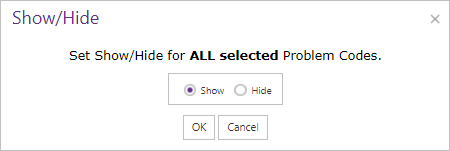
- Show/Hide changes the visibility setting for problem codes in bulk.