External Call Log Viewer
Use Tools > External Call Logs to find and review XML files produced when external-call logging is enabled. The viewer is also available from Site Manager > Site Configuration > Logging.
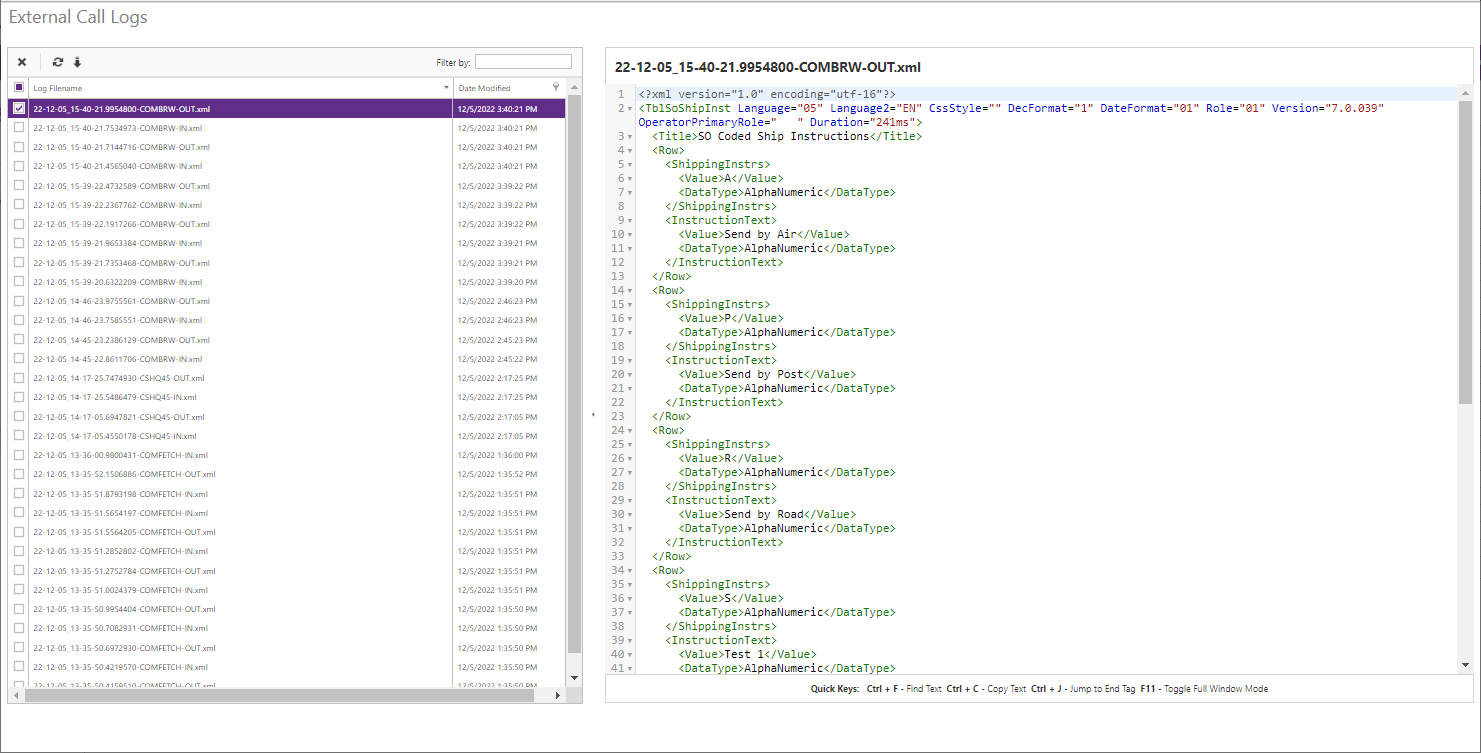
Double-click a file to open it in the read-only XML editor. It supports find (Ctrl+F) and matching-tag navigation (Ctrl+J). Use the file list to filter by filename or a modified-date range, refresh the listing, download files, or delete selected files. A single download is XML; multiple files download as a ZIP archive. Deletion is permanent after confirmation.