This is archived CyberStore v2024.1 documentation. For current guidance, see the latest documentation.
General
Use the General tab to name the diagram, provide its headline, and upload the image on which hot spots are placed.
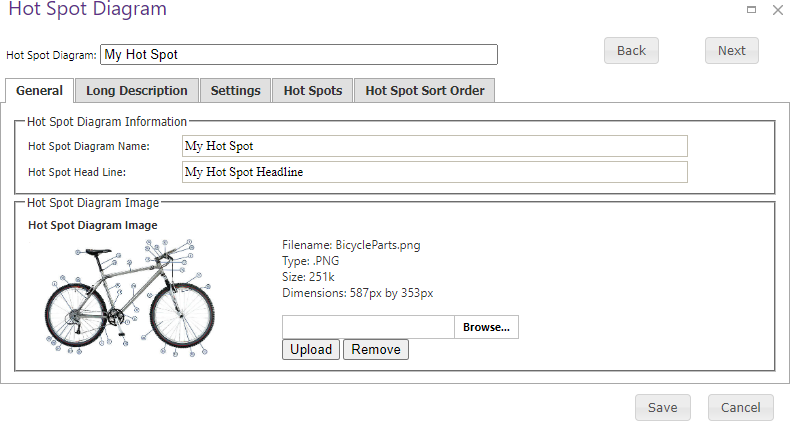
| Field or action | Description |
|---|---|
| Hot Spot Diagram Name | Name of the diagram. |
| Hot Spot Head Line | Headline displayed with the diagram. |
| Diagram Image | Browse for an image and upload it. The tab displays a preview plus the image file name, type, size, and dimensions. Remove the existing image before uploading a replacement. |
Save when the diagram information is complete.