This is archived CyberStore v2024.1 documentation. For current guidance, see the latest documentation.
Hot Spots Sort Order
Use the Hot Spots Sort Order tab to arrange the sequence in which the diagram’s hot spots are presented.
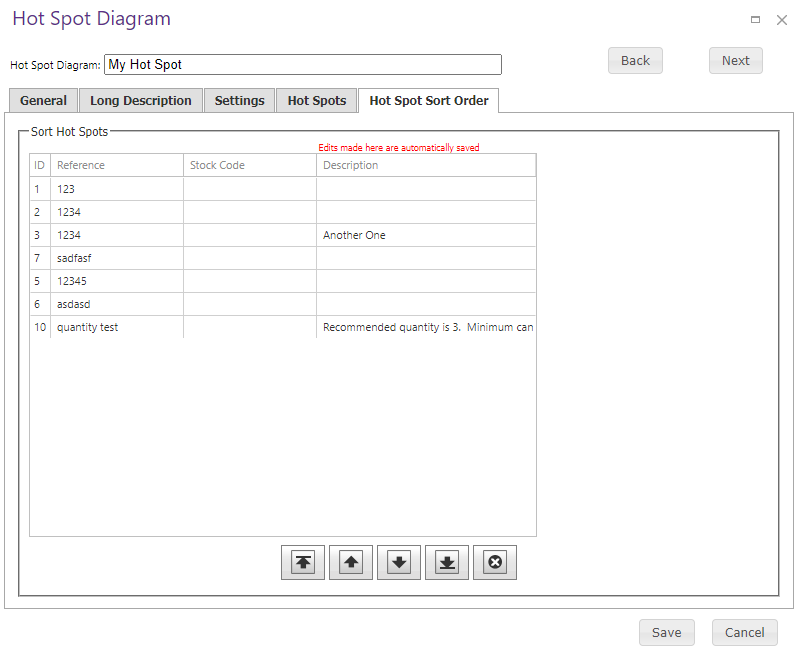
Adjust the sequence for the existing hot spots, then save the diagram. This tab does not define additional field behavior.